info@orbitmediasolutions.com




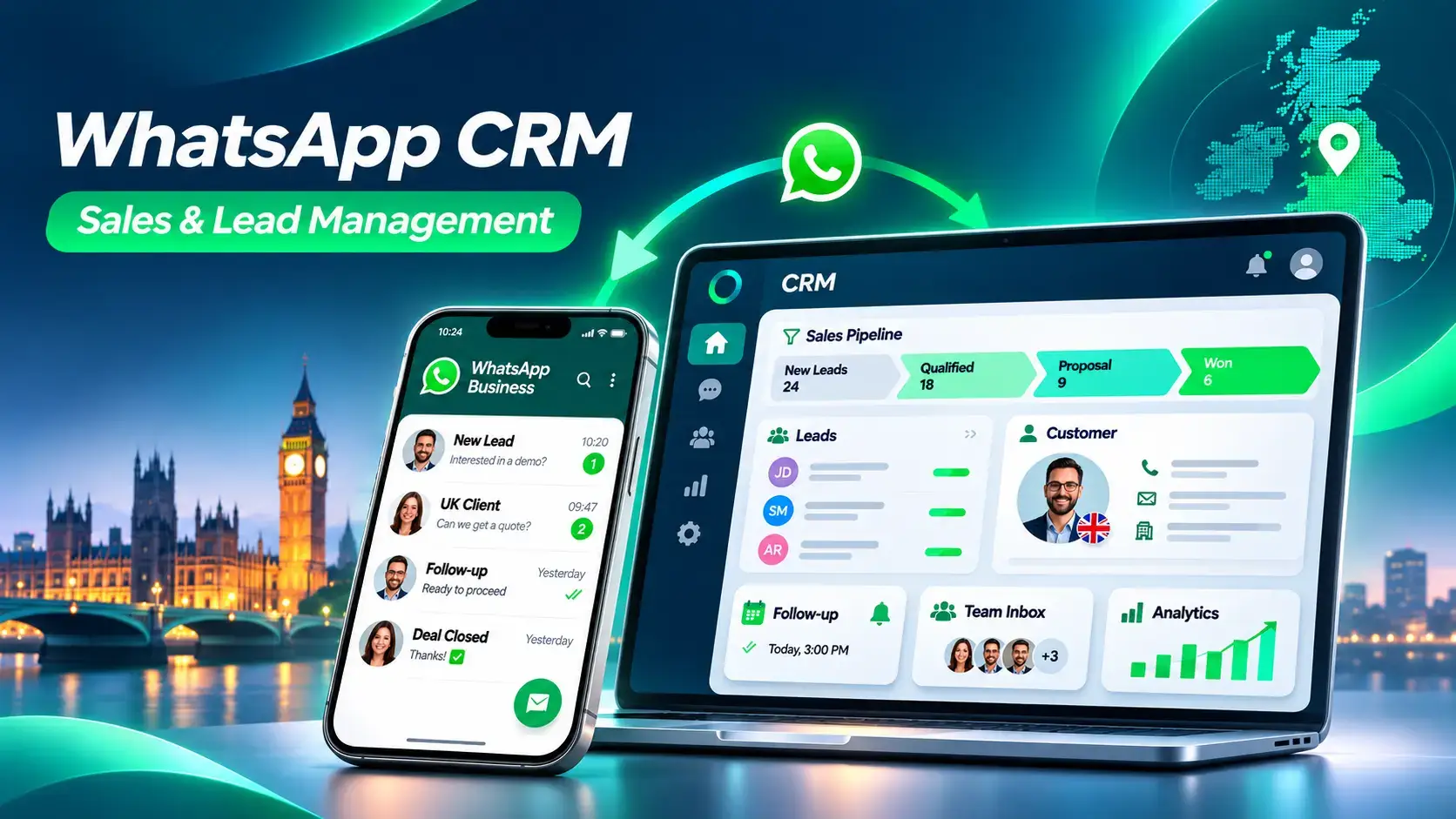
At Orbit Media Solutions, our Sales CRM approach helps UK businesses organise leads, manage follow-ups and give sales teams better visibility. Whether you run a consultancy, retail business or growing B2B team, the goal is simple: turn more genuine enquiries into well-managed opportunities, without losing the personal touch.
A WhatsApp CRM connects business chats with customer relationship management records. Instead of keeping a contact's requirements in one chat and their quotation in a spreadsheet, you can bring the important details together: name, enquiry source, interested product, lead owner, deal stage, and next action.
The free WhatsApp Business app offers useful tools such as labels and quick replies. But a sales team may also need shared access, a visible pipeline, reminders and reporting. That is where WhatsApp-connected CRM software becomes useful.
It does not replace every part of a traditional CRM. It gives messaging-led sales a practical starting point, which can sit alongside broader CRM software for UK businesses.
A message saying “How much does it cost?” is an enquiry, not a confirmed sale. The next steps determine whether that conversation becomes a real opportunity.
Potential customers may arrive through a website chat button, QR code, referral or Click-to-WhatsApp advert. With the appropriate integration, their enquiry can become a lead record instead of remaining an isolated message. Record the source so you can see which channels bring useful conversations.
Ask three simple questions: What do you need? When do you need it? What budget or specification matters? Record the answers, tag the lead, and assign an owner. A serious buyer asking for a quotation should not sit in the same queue as a general question.
Use clear stages such as New, Qualified, Proposition and Won or Lost. For example, a Manchester supplier can see which customers need quotes today and which are waiting to approve them. Explore the Sales CRM workflow to see how Orbit structures this journey.
The best features are not the longest list of tools. They prevent missed replies, repeated admin, and unclear ownership. Orbit's available functions and advanced options depend on the selected plan and configured integrations.
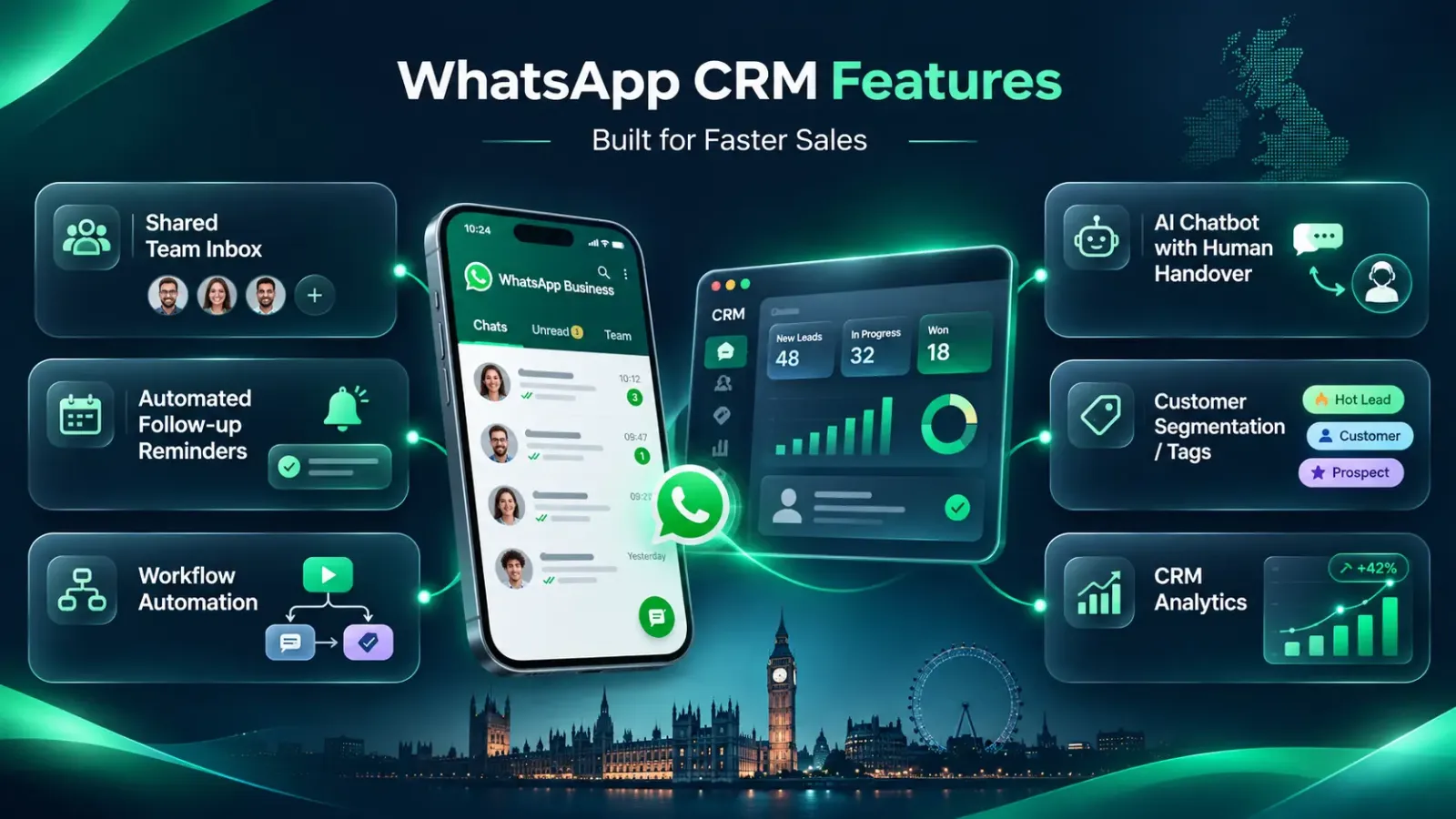
A shared inbox gives authorised staff a common view of customer conversations through a supported WhatsApp Business Platform setup. Assign chats, add internal notes and avoid two salespeople replying with different information. Managers can spot messages waiting for attention without asking staff to forward screenshots.
A reminder can prompt a salesperson to check on a quotation two days later. Where configured and permitted, an approved WhatsApp template can support the follow-up. This is more dependable than hoping someone remembers, especially when one rep handles dozens of enquiries.
Useful CRM workflow automation can create tasks, assign new leads, update stages or notify a colleague when a quote needs approval. Start with one repetitive task and check that it works. Automation should remove admin, not send irrelevant messages to every contact.
An optional chatbot can answer opening-hour questions, collect basic requirements and send complicated enquiries to a person. For pricing disputes, individual advice or negotiations, a human handover is usually better. AI capabilities require an appropriate plan and configuration; they should never be assumed to work automatically.
Use tags such as “wholesale buyer”, “service enquiry” or “renewal due” to organise contacts. Segmentation makes follow-ups more relevant. Keep marketing permission separate from sales notes: knowing somebody's interests is not permission to send promotional WhatsApp messages.
Review lead sources, opportunities by stage, overdue follow-ups and team activity where reporting is configured. If 40 enquiries arrive but only five receive quotations, the gap is worth investigating. Good reporting starts with complete, accurate records, not impressive-looking charts.
A CRM with WhatsApp integration should reduce switching between apps, not create another disconnected inbox. The exact connection depends on your existing software, access permissions, and technical setup.
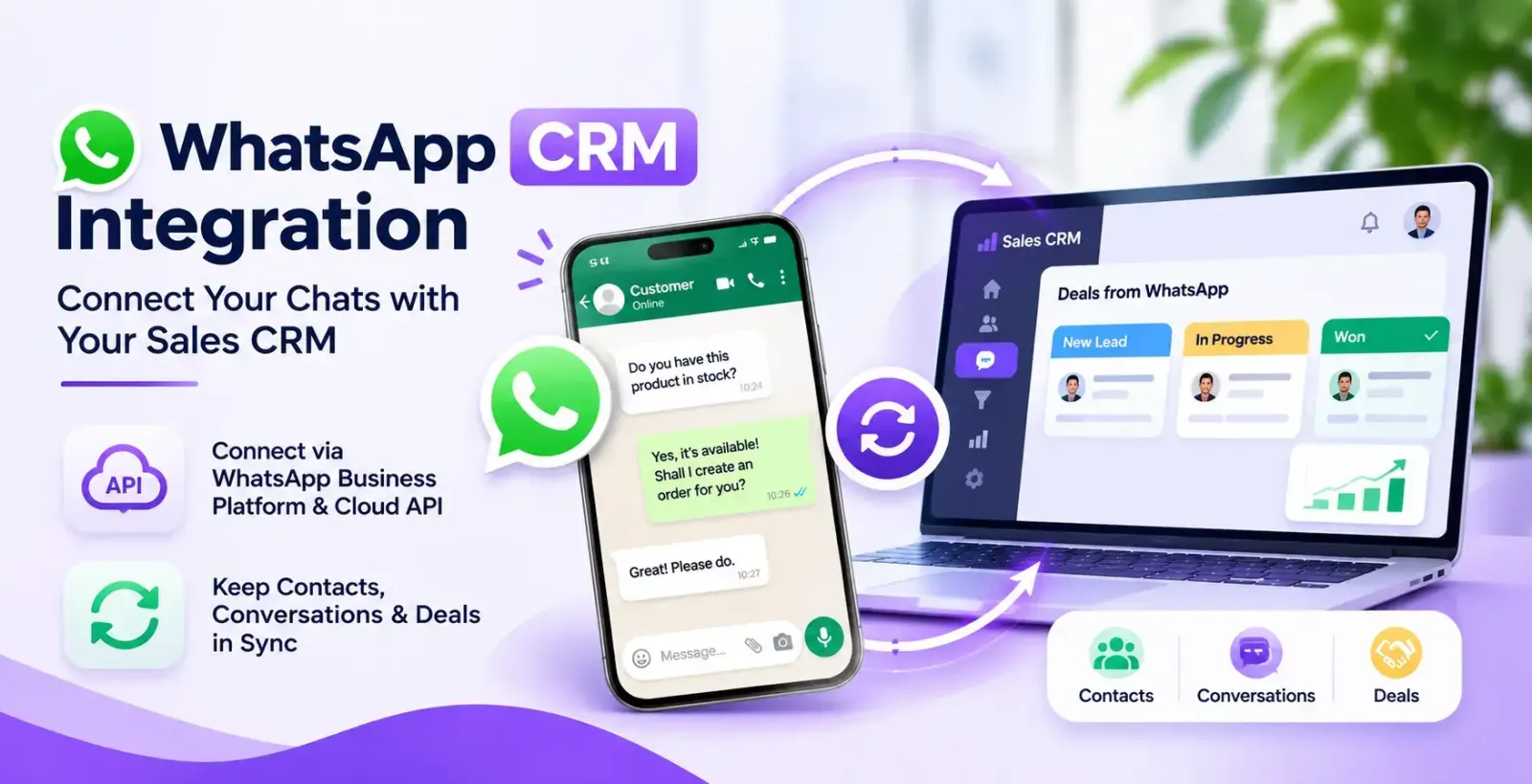
The WhatsApp Business Platform provides official APIs for business messaging. A WhatsApp Business Account (WABA), a suitable number setup, and an approved integration can support multi-agent conversations, templates, and automation. The standard business app alone is not the same as an API-connected team inbox.
With supported APIs, webhooks or connectors, relevant customer data can pass between tools. An Odoo user, for example, might connect a confirmed order to a sales record or invoicing workflow after implementation. Two-way synchronisation, catalogues and order automation must be checked for compatibility rather than presumed. See Orbit's other business software when planning connected operations.
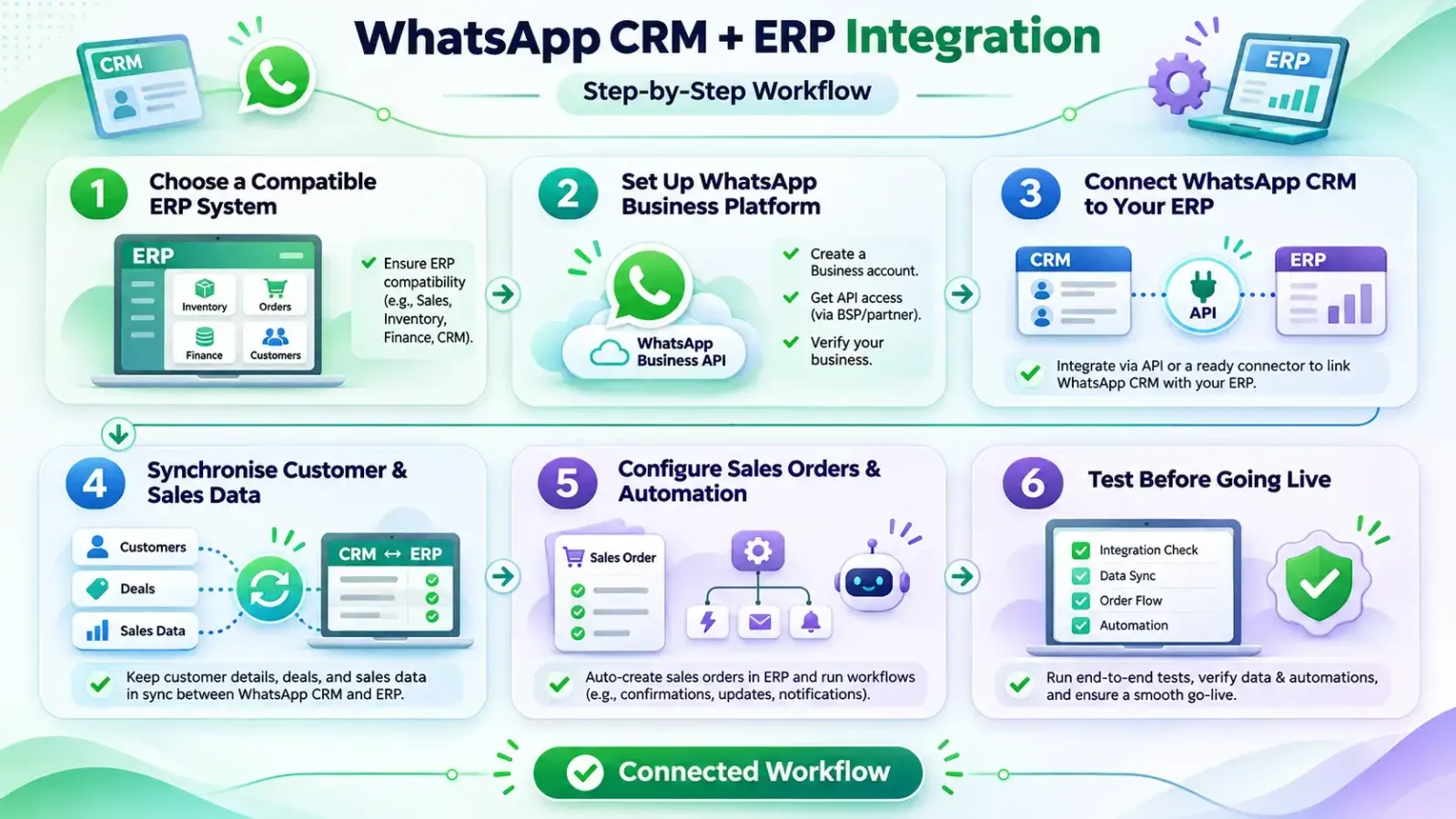
What happens when a customer confirms an order on WhatsApp, but your sales team still needs to enter the same details into another system?
Connecting WhatsApp CRM with ERP software helps businesses manage customer conversations, sales orders, inventory and invoicing through a more organised workflow. Instead of copying information between applications, supported integrations allow relevant data to move between systems.
For UK businesses using Odoo or another compatible ERP platform, the following steps explain how WhatsApp CRM integration works.
Start by identifying which business processes you want to connect. Do you need to transfer customer details, generate quotations, check inventory or update order statuses?
Platforms such as Odoo provide integration options through supported APIs and modules. Before implementation, check your ERP version, subscription, connector availability and access permissions.
Explore ERP software for UK businesses to understand how sales, stock and financial operations can work together.
ERP integration normally requires access to the official WhatsApp Business Platform, rather than relying solely on the standard WhatsApp Business app.
Set up a WhatsApp Business Account (WABA), configure your business phone number and arrange the necessary API access.
The Meta WhatsApp Business Platform provides the messaging infrastructure needed for supported integrations.
Next, connect both systems using a compatible connector, API integration or custom middleware.
For example, an Odoo integration may use supported ERP APIs alongside WhatsApp Cloud API and webhooks. A webhook allows the connected application to receive an event, such as a new customer message.
Secure authentication, access permissions and error handling are essential during setup.
Once connected, decide which information should move between your Sales CRM and ERP system.
This may include customer names, phone numbers, lead references, product details, quotations and order statuses.
Match existing records carefully to prevent duplicate contacts. Define which system owns each field, particularly when information changes in both applications.
With the appropriate configuration, salespeople can access relevant ERP information without repeatedly entering customer details.
Now create workflow rules based on your sales process.
For example, a Birmingham retailer receives a WhatsApp enquiry for five office chairs. The CRM records the lead, while a salesperson confirms the required quantity and delivery details.
A configured connector can then create a draft quotation in the ERP system. After approval, the ERP manages the order, relevant stock processes and invoicing.
Approved WhatsApp message templates can also support order confirmations and payment reminders, subject to Meta's messaging rules.
Before launching, test the complete workflow using sample enquiries and orders.
Check whether customer records match correctly, quotations contain accurate prices and order updates reach the intended recipient.
Also test unsuccessful API requests, duplicate messages and incorrect stock information.
For UK businesses, personal data handling must comply with UK GDPR, while electronic direct marketing must follow applicable PECR requirements.
A connected workflow can reduce duplicate data entry, improve sales visibility and make customer communication more consistent.
For example, sales representatives can manage WhatsApp leads while authorised staff process quotations, orders and invoices through the ERP system. Managers gain clearer information about sales progress without relying on separate spreadsheets.
At Orbit Media Solutions, we help businesses explore suitable integrations based on their existing systems and operational requirements.
Want to connect WhatsApp conversations with your ERP workflow? Explore our Sales CRM integration options and book a free consultation to discuss your requirements.
Inside sales happens through conversations, calls, quotations, and timely follow-ups rather than face-to-face visits. For teams exploring CRM for inside sales, the important question is: “Can everyone see the next action?”
Give priority to prospects who have shared requirements, requested a quote or confirmed a buying date. Lead owners, notes and deadlines help salespeople spend their day on useful conversations rather than searching old messages.
Keep relevant service history, preferences and renewal reminders so returning customers do not need to explain everything again. A Bristol consultancy, for instance, can follow up on a proposal and later schedule a contract review, using the same organised customer record.
Better lead management also means handling personal information responsibly. UK businesses need processes for access, retention, consent and objections; software cannot make a business compliant by itself.
Under UK GDPR, you need a valid reason to use personal data and must explain how you handle it. PECR places additional rules on electronic direct marketing, including WhatsApp-style messages. Consent is normally required for unsolicited marketing to individual subscribers unless a relevant exception applies; business-to-business rules can differ. Check the ICO's electronic marketing guidance and respect the right to object to direct marketing.
After a customer messages you, the WhatsApp Business Platform generally allows free-form replies during a 24-hour customer service window. Outside it, businesses usually need an approved message template. Obtain the required opt-in, honour opt-outs and check message charges before setting automated campaigns live.
The best WhatsApp CRM is the one that matches your team's workload, budget and existing tools, not the one with the most features on its website.
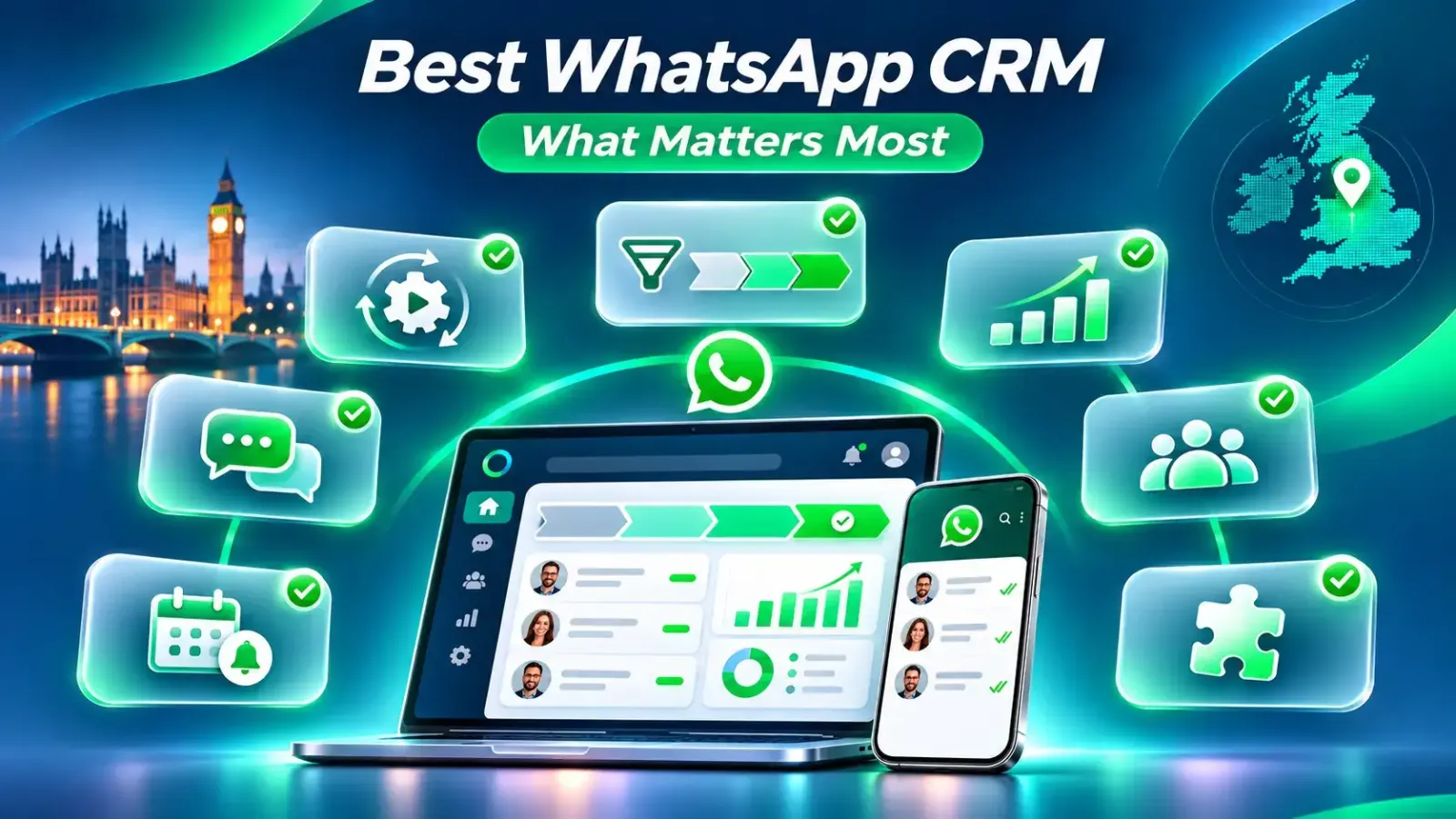
Ask whether you need one user or ten, a shared inbox, lead pipeline, quotation follow-ups or an Odoo connection. A solo consultant seeking affordable WhatsApp API automation may only need organised contacts and reminders; a larger agency may need roles and routing. Check the Sales CRM features and plan options before deciding.
Request a walkthrough of the exact process you use: enquiry, qualification, quote, follow-up and sale. Confirm which tools are included, which require integration, and whether Meta messaging fees or setup charges apply. Orbit's published Starter and Growth plan prices are still marked as coming soon, so ask for current availability and a tailored quote.
Stop relying on scattered chats and memory to manage your pipeline. Orbit Media Solutions can discuss your sales process, review suitable integrations, and explain what is available for your business. Start with a practical consultation, not a long list of promises.
Manage WhatsApp conversations
Manage WhatsApp conversations in one shared inbox, helping your sales team respond without missing customer enquiries.


WhatsApp Lead Management
Capture, organise and track WhatsApp leads from their first enquiry to the final sales decision.
Sales Pipeline Tracking
Track every sales opportunity through clear stages, from new leads and quotations to closed deals.
Automated Follow-Up Reminders
Schedule timely follow-up reminders to reconnect with potential customers and reduce missed sales opportunities.
WhatsApp CRM Integration
Connect WhatsApp with supported CRM systems to manage customer conversations and sales information more efficiently.
Automated Lead Assignment
Automatically assign incoming enquiries to the right sales representative for faster and more organised responses.
Customer Contact Management
Keep customer details, sales notes and interaction history organised for easier access and personalised communication.
Sales Workflow Automation
Automate repetitive tasks such as lead routing, follow-up scheduling and sales activity notifications.
WhatsApp Message Templates
Use approved message templates to send consistent updates, reminders and customer communications.
Lead Qualification
Identify high-potential prospects by recording customer needs, interests and buying readiness.
AI Chatbot & Live Handover
Answer common questions automatically and transfer complex enquiries to a human sales representative.
Customer Segmentation
Group customers by interests, enquiry type or sales stage to deliver more relevant communication.
Sales Reporting & Analytics
Monitor lead activity, pipeline performance and follow-up progress to make better sales decisions.
Multi-Agent Collaboration
Enable sales representatives to manage assigned conversations, coordinate tasks and maintain clear lead ownership.
Customer Consent Management
Record marketing preferences and opt-out requests to support responsible WhatsApp communication with UK customers.
No. WhatsApp Business is a messaging app for businesses, offering tools such as business profiles, labels and quick replies. A WhatsApp CRM connects conversations with customer records and sales workflows, helping teams track leads, assign enquiries, manage follow-ups and monitor deals. For growing UK sales teams, it provides more structured lead management than the app alone.
Yes, you can integrate WhatsApp with your existing Sales CRM if it supports a compatible connector or the WhatsApp Business Platform API. Depending on the integration, you can link conversations to customer records, assign enquiries and automate permitted follow-ups. Requirements, available features and costs vary by CRM, WhatsApp account setup and provider.
Yes. A WhatsApp CRM can automate lead follow-ups through scheduled reminders, lead-stage triggers and WhatsApp Business Platform messages, depending on the software and integration. For example, it can prompt a salesperson after a quotation or send an approved template when permitted. Messages outside WhatsApp's 24-hour customer service window require approved templates, and marketing needs appropriate consent.
Use WhatsApp Business to build a complete profile, showcase products through a catalogue and respond quickly with quick replies. Ask customers about their needs, provide clear quotations and organise enquiries using chat lists. As your business grows, use a WhatsApp CRM to manage leads, assign conversations and schedule follow-ups. Follow UK marketing consent rules and respect customer opt-outs.
The main disadvantage of the free WhatsApp Business app is limited scalability. It supports basic replies and customer organisation but lacks built-in sales pipelines, advanced automation and direct CRM integration. Team access is limited to four linked devices, while broadcast lists reach only contacts who have saved your number. Growing teams may need the WhatsApp Business Platform.
The best CRM for WhatsApp integration depends on your business needs. HubSpot suits teams using its Professional or Enterprise Marketing or Service Hub, while Zoho CRM supports WhatsApp across paid plans. Kommo focuses on WhatsApp-driven sales. UK businesses should compare shared inboxes, lead tracking, automation, integration costs and data protection requirements before choosing a solution.
Copyright © 2026 Orbit
Choose which cookies we may use. You can change this at any time. Read our Cookie Policy.
Needed for the website to work (security, forms, remembering your cookie choice). Always on.
Remember choices you make, such as language and light/dark mode.
Help us understand how visitors use the site (for example Google Analytics), so we can improve it.
Used to measure our adverts and show you relevant ads on other sites (for example Facebook / Meta Pixel).