info@orbitmediasolutions.com




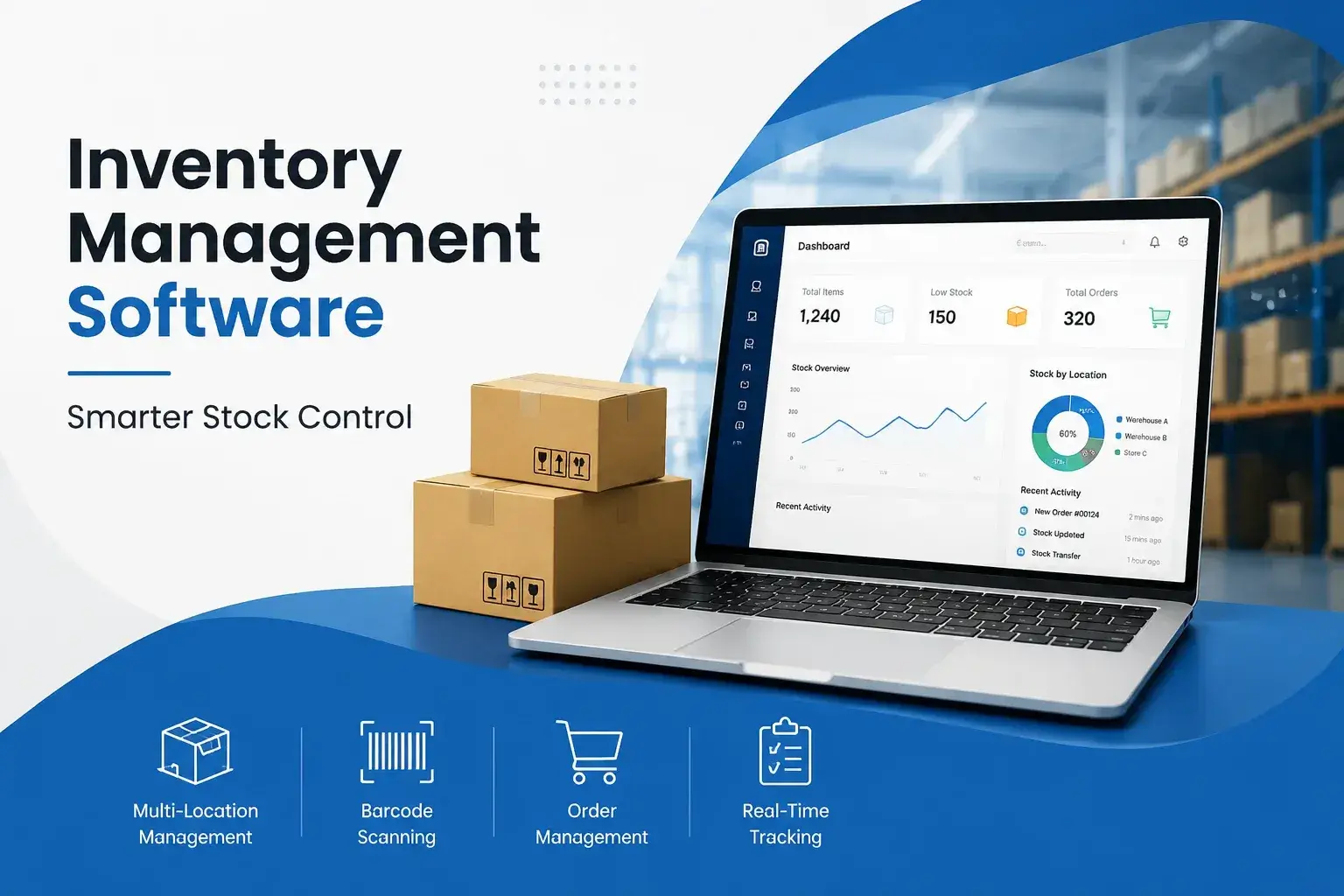
The best solution is not simply the one with the longest feature list. It should help your business maintain accurate stock records, monitor stock levels, manage orders and purchases, and connect inventory activity with other business operations.
An inventory management system records and updates stock as products are purchased, sold, received, transferred or adjusted. Orbit supports real-time stock visibility, order management, purchase and sales orders, barcode and SKU management, supplier information, stock transfers and reporting.
This gives teams a central place to understand inventory instead of relying on disconnected records. Orbit also supports cloud access, allowing users to monitor and manage inventory from desktops, tablets or smartphones.
Poor inventory control can lead to stockouts, excess stock, inaccurate records and slower fulfilment. A digital system helps businesses monitor stock levels, identify products requiring attention and maintain a clearer record of stock movement.
Orbit's inventory platform is designed to help UK businesses reduce manual stock control, improve visibility and manage inventory across multiple locations.
Spreadsheets can work for very small inventories, but they become harder to maintain as product ranges, orders and locations increase. Manual updates also create more opportunities for inconsistent records.
Modern inventory software can automatically update inventory when stock is received, sold, transferred or adjusted. Orbit combines these processes with reporting, barcode scanning, automated reorder triggers and order fulfilment tools.
A useful stock control system should combine everyday inventory tasks with accurate data and automation.
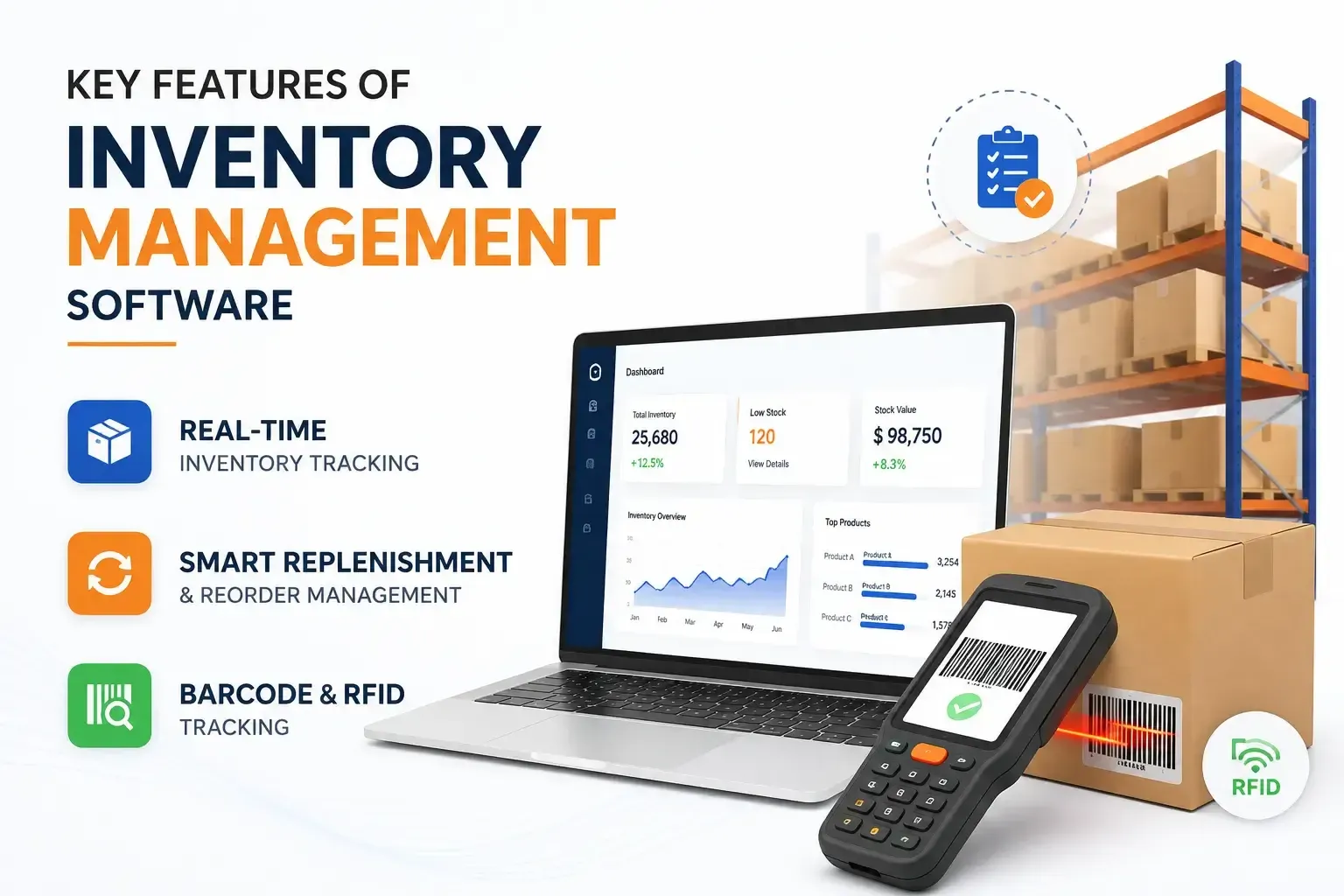
Real-Time Inventory gives teams a current view of available stock and its location. Orbit allows businesses to monitor stock levels across multiple warehouses, stores and storage locations.
The system also provides reporting on stock movement, product performance and stock ageing, helping teams understand what is happening across their inventory.
Stock replenishment becomes easier when businesses can set low-stock thresholds and reorder triggers. A reorder point represents the stock level at which replenishment should begin. Min-max inventory methods also use minimum and maximum thresholds to help determine when stock should be reordered.
Orbit supports automated reordering, low-stock alerts and purchase-order workflows, helping businesses respond before popular products run out.
Barcode scanning can reduce manual data entry by allowing products to be identified quickly during stock counts, receiving and fulfilment. RFID can provide another method of identifying and tracking inventory.
Orbit's inventory software supports barcode and SKU management, while its warehouse management system supports barcode and RFID scanning for inventory, locations and movements.
Good stock management is about knowing what is available, what is moving, and what needs attention.
Inventory automation can update stock records as goods move through different stages. Orbit supports stock transfers, purchasing, sales orders, fulfilment, and inventory adjustments.
This reduces dependence on repeated manual updates and gives teams a more consistent record of stock movement.
Stockouts can mean missed sales, while excessive inventory can tie up money and storage space. Monitoring stock levels and setting replenishment rules can help businesses maintain more appropriate inventory quantities.
Orbit provides low-stock alerts, automated reorder triggers, and inventory reports to support these decisions.
Inventory forecasting uses available inventory and sales information to support future purchasing decisions. Orbit provides demand forecasting and reporting features designed to help businesses plan purchases, improve stock turnover, and reduce waste.
Forecasting should support—not replace—business judgement, particularly where demand changes seasonally or supplier lead times vary.
Inventory and warehouse processes are closely connected. A strong system should make it easier to receive, locate, pick, pack, and transfer goods.
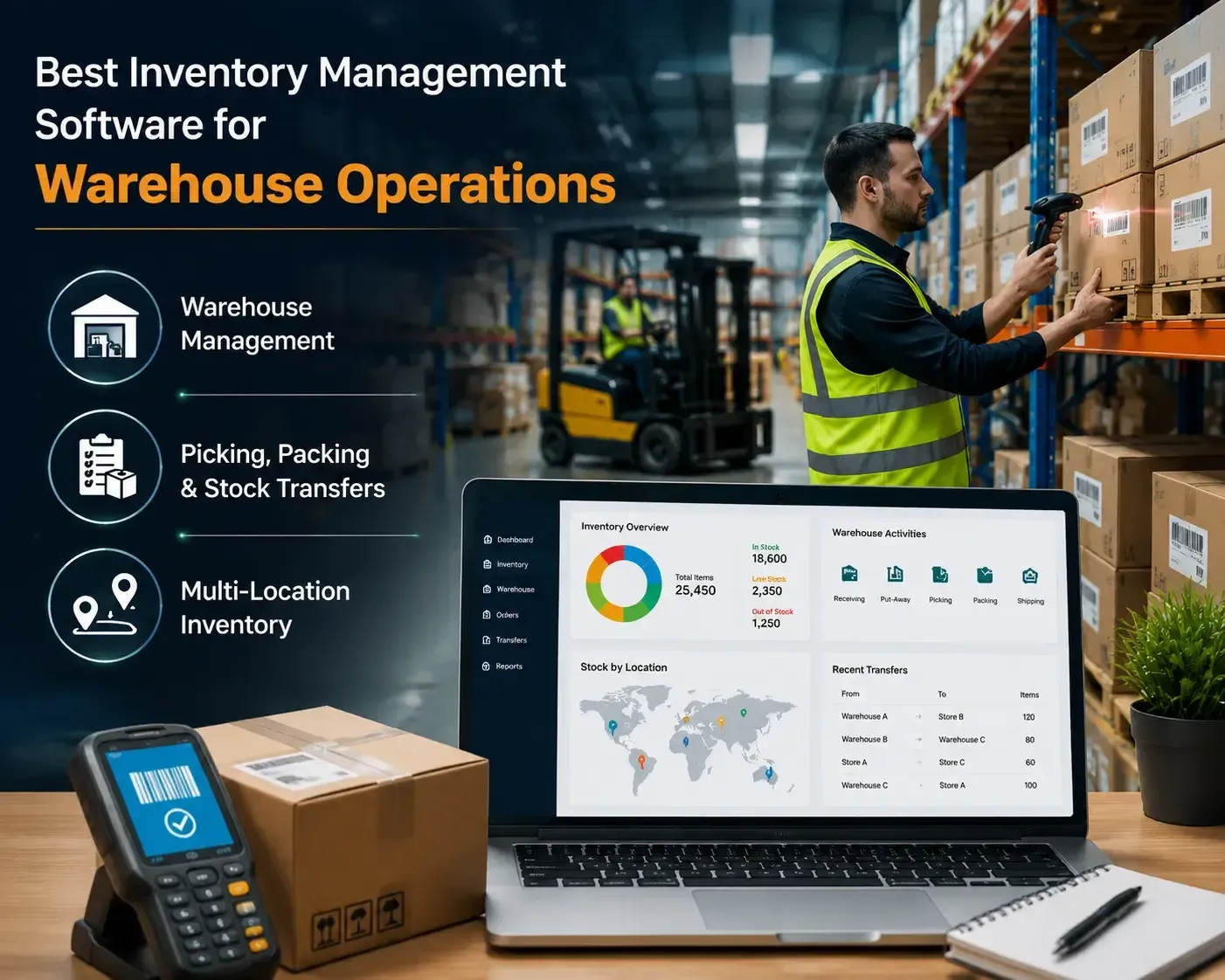
A warehouse management system can coordinate inventory with receiving, put-away, and other warehouse activities. Orbit's WMS supports receiving, put-away, inventory tracking, order fulfilment and barcode/RFID scanning.
For businesses needing deeper warehouse functionality, explore Warehouse Management Software alongside the inventory platform.
Accurate picking and packing are important for efficient fulfilment. Orbit WMS supports electronic pick lists, picking routes, packing and dispatch workflows.
The inventory system also records stock transfers between locations, helping businesses maintain clearer stock records when products move between warehouses or stores.
Multi-location inventory allows businesses to monitor stock across different warehouses, shops or storage locations. Orbit supports multi-location management and provides centralised visibility across inventory locations.
This is particularly useful for growing businesses that need to coordinate stock without maintaining separate manual records for every site.
Retailers and online sellers need inventory information that keeps pace with sales activity across different channels.
Retail inventory management software should help businesses track SKUs, variants, stock levels, transfers, returns and fulfilment. Real-time tracking can also help reduce the risk of selling products that are no longer available.
Orbit connects inventory with POS and supports barcode-based stock handling, making it suitable for businesses managing physical retail operations.
For online businesses, inventory needs to stay aligned with orders and available stock. Orbit supports eCommerce integration, order management, inventory tracking, and stock visibility.
Its centralised approach can help businesses manage online inventory alongside warehouse and physical-store operations rather than treating every channel separately.
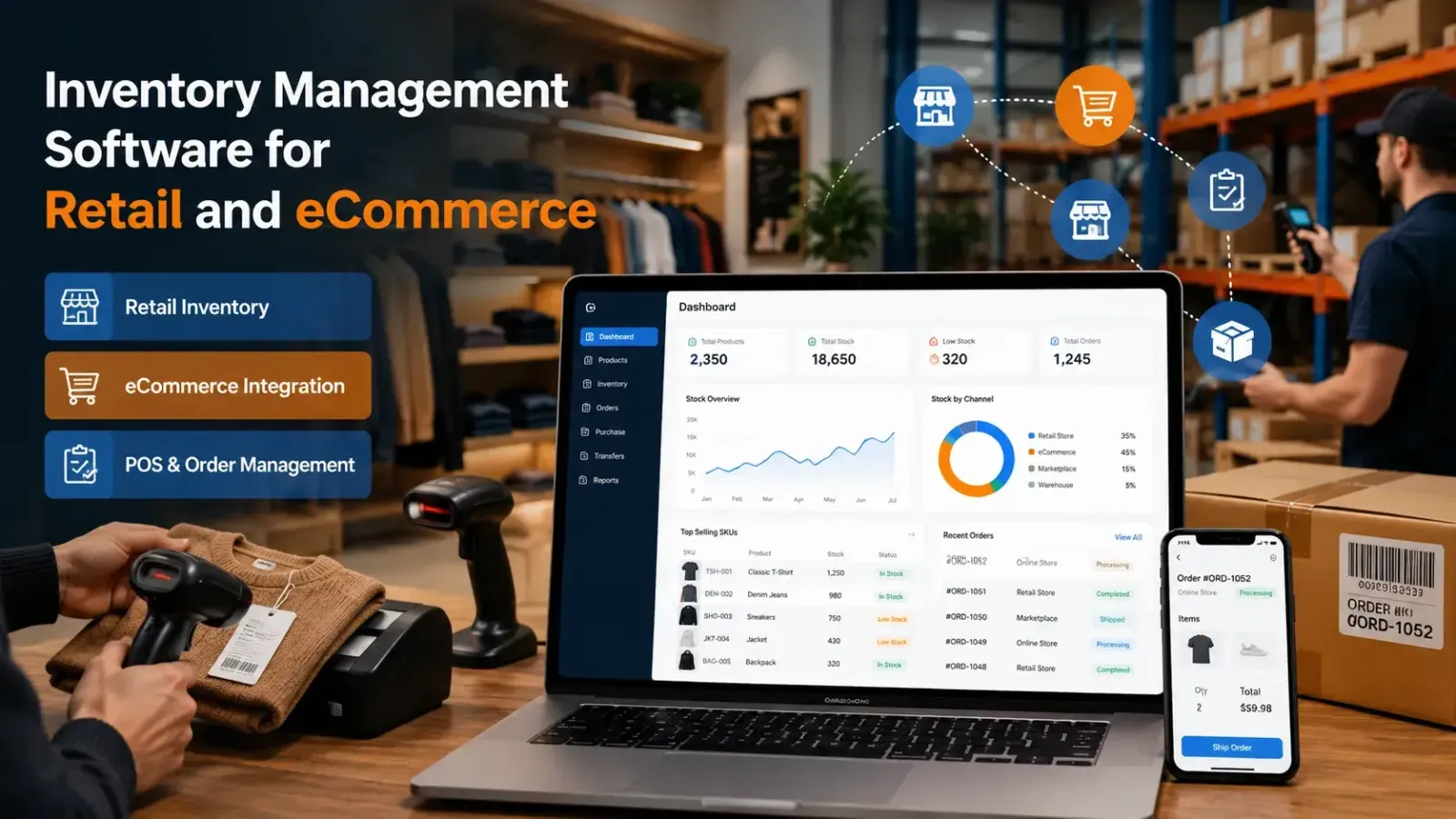
POS systems record sales while inventory systems update stock availability. Connecting the two helps businesses maintain more consistent records.
Orbit's platform supports POS integration and order management, while its wider product range includes dedicated POS software and inventory solutions.
Smaller businesses need software that improves control without creating unnecessary complexity.
A stock management system for small businesses should make common tasks—such as checking stock, receiving goods, creating purchase orders and monitoring low-stock items—simple to manage.
Orbit states that its inventory platform is designed for UK small and medium businesses and combines these functions through a central dashboard.
Replacing spreadsheets with a central system can reduce repetitive data entry and make stock information easier to access. Orbit provides real-time inventory data, automated updates, barcode scanning, reporting and stock controls.
For businesses also managing finances, accounting software can provide a connected approach to financial and inventory information.
As product ranges and locations expand, inventory processes become more demanding. A scalable platform should support additional products, locations, users, and workflows without forcing the business to rebuild its entire stock process.
Orbit supports multi-location inventory, custom roles and permissions, reporting, and integration with other business platforms.
Inventory rarely operates alone. Purchasing, sales, finance, warehousing, and customer operations all depend on accurate stock information.
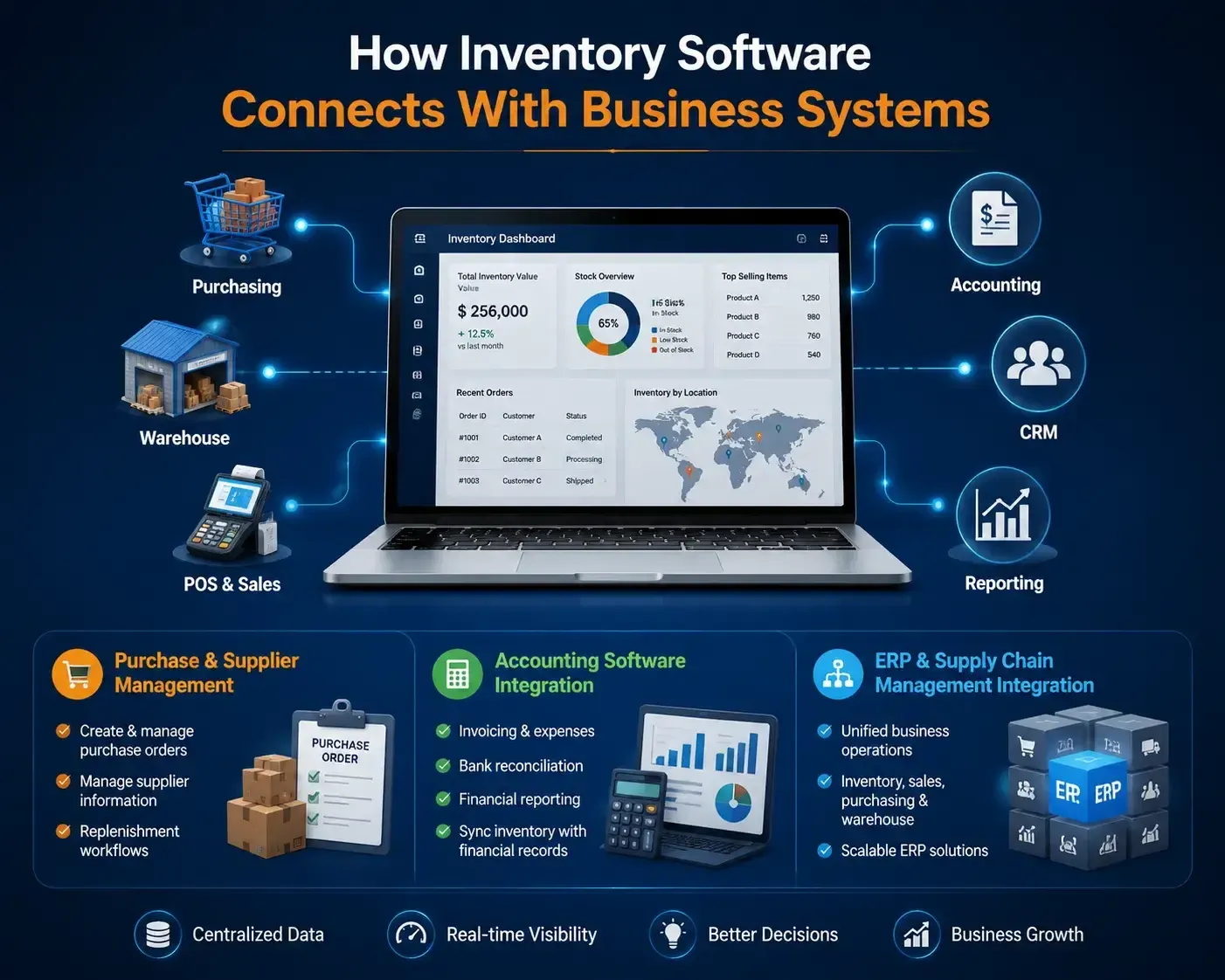
Purchase Management helps businesses create and manage purchase orders, while Supplier Management keeps supplier information available for procurement activities.
Orbit supports purchase orders, supplier records, purchase and sales order management, and inventory replenishment workflows.
Connecting inventory with accounting software can reduce the need to maintain separate operational and financial records. Orbit's accounting solution provides invoicing, expenses, bank reconciliation, and financial reporting, while its inventory software can integrate with accounting platforms.
ERP connects multiple business functions through a wider operational system. Orbit's product ecosystem includes ERP services and inventory, purchasing, sales and warehouse modules.
Its broader All Products range includes ERP, accounting, POS, warehouse, HR, CRM and other business software, allowing businesses to consider connected solutions as their requirements grow.
Before selecting software, compare its capabilities with your actual inventory workflow.
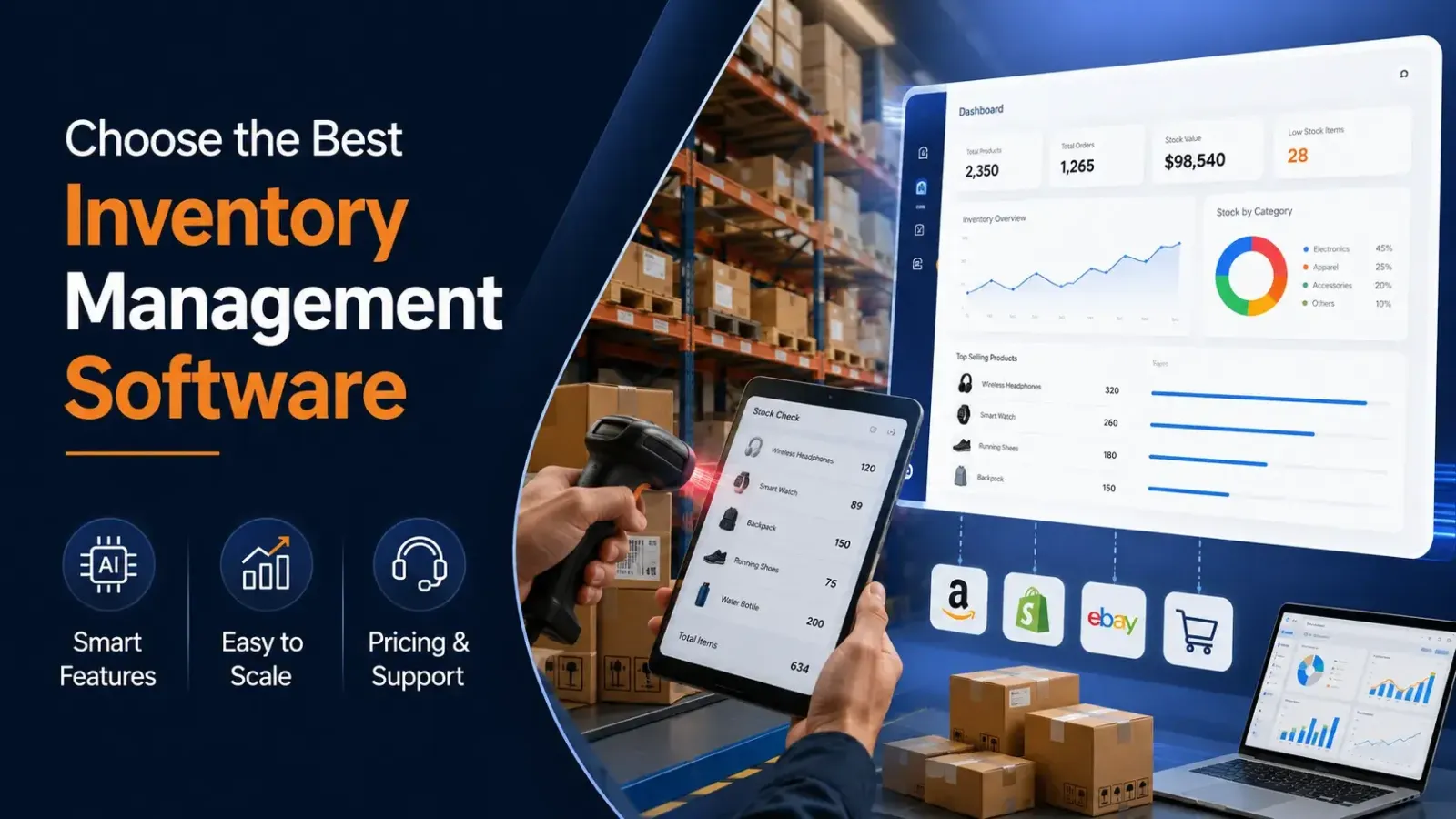
Look for essential functions such as inventory tracking, stock levels, stock replenishment, barcode scanning, purchase management, order management, supplier management and reporting.
Then check whether the platform connects with your POS, eCommerce, accounting, warehouse and wider business systems.
The system should be practical for the people who use it every day. Consider cloud access, mobile usability, user permissions, multi-location support and the ability to scale as your business grows.
Do not compare software only by its subscription price. Consider implementation, integrations, training, support, additional users, locations and hardware requirements.
For UK businesses, it is also sensible to assess how the software fits existing accounting, sales and warehouse processes before making a decision.
|
Feature |
Description |
|---|---|
|
Stock control |
Real-time stock levels and inventory records |
|
Replenishment |
Reorder points, alerts and purchase orders |
|
Product tracking |
Barcodes, SKUs, batches and serial numbers |
|
Warehousing |
Receiving, picking, packing and stock transfers |
|
Multiple locations |
Centralised multi-location inventory |
|
Retail |
POS and store inventory integration |
|
eCommerce |
Online sales and inventory synchronisation |
|
Purchasing |
Purchase orders and supplier management |
|
Reporting |
Stock movement, ageing and performance reports |
|
Integration |
Accounting, POS, ERP and eCommerce connections |
The right platform should make stock information easier to access, update and act on—not add another layer of administration.
Centralised records, barcode scanning, stock audits and automated updates can make inventory control more consistent and reduce reliance on manual processes.
Connecting inventory with warehouse and order management workflows helps teams track goods from receiving through picking, packing, dispatch and transfer.
For UK businesses that need better visibility across stores, warehouses and sales channels, Orbit's inventory platform brings stock tracking, replenishment, purchasing, fulfilment, reporting and integrations together in one system.
Explore Orbit's inventory management software or view all Orbit business solutions to see how the platform can fit your current operations and future growth.
Real-time inventory tracking
Monitor stock levels across all locations and sales channels in real-time.


Barcode scanning
Use barcodes and scanners for efficient item tracking, stock counts, and order fulfillment.
Automated reordering
Set low-stock thresholds and receive alerts or automatically generate purchase orders to prevent stockouts.
Multi-location management
Track and manage inventory across multiple warehouses, stores, or bin locations.
Reporting and analytics
Generate reports on inventory turnover, sales performance, and stock ageing, and use data to forecast demand.
Stock audits and cycle counting
Support for physical stock counts and adjustments to ensure accuracy.
Order fulfillment
Manage pick, pack, and dispatch processes, with features like flexible picklists and support for backorders or dropshipping.
Purchase and sales order management
Create and manage purchase orders, sales orders, and invoices.
Item and variant management
Track items, including multiple variants, serial numbers, or batches.
Stock transfers
Record and track the movement of goods between different locations.
Supplier management
Store supplier information and track performance to streamline procurement.
Integration
Connect with other business platforms like e-commerce sites, accounting software, and POS systems.
Demand forecasting
Use data to predict future demand and optimize inventory levels.
E-way bill and compliance
Generate necessary documents for tax and shipping compliance.
Customization
Customize user roles, permissions, and reporting to meet specific business needs.
Customer and vendor portals
Provide access to relevant information for customers and suppliers.
Inventory Management Software is a system that helps businesses track stock, orders, and deliveries in real time. Orbit IMS automates stock updates, prevents shortages or overstocking, and provides accurate reports, making inventory management faster and error-free.
Orbit IMS is a cloud-based, customizable solution built for SMEs and enterprises. Unlike generic tools, it integrates with ERP, POS, and accounting systems while offering features like real-time analytics, barcode/QR scanning, and multi-warehouse management.
Yes. Orbit IMS is fully cloud-enabled. You can log in from your desktop, tablet, or smartphone to monitor stock levels, update items, and track inventory across multiple locations securely.
Yes. Orbit IMS supports barcode and QR code scanning, allowing businesses to quickly update stock and track items with precision. This reduces human errors and speeds up warehouse or retail operations.
Yes. We offer a free demo of Orbit IMS so you can explore its features and see how it simplifies inventory management for your business before making a purchase.
Orbit IMS offers stock tracking, purchase and sales management, barcode/QR integration, reporting dashboards, low-stock alerts, and multi-warehouse control. These features ensure complete visibility of your supply chain.
Yes. Orbit IMS integrates seamlessly with ERP systems, POS platforms, and accounting software, ensuring smooth data flow between sales, finance, and inventory operations.
Copyright © 2026 Orbit
Choose which cookies we may use. You can change this at any time. Read our Cookie Policy.
Needed for the website to work (security, forms, remembering your cookie choice). Always on.
Remember choices you make, such as language and light/dark mode.
Help us understand how visitors use the site (for example Google Analytics), so we can improve it.
Used to measure our adverts and show you relevant ads on other sites (for example Facebook / Meta Pixel).