info@orbitmediasolutions.com

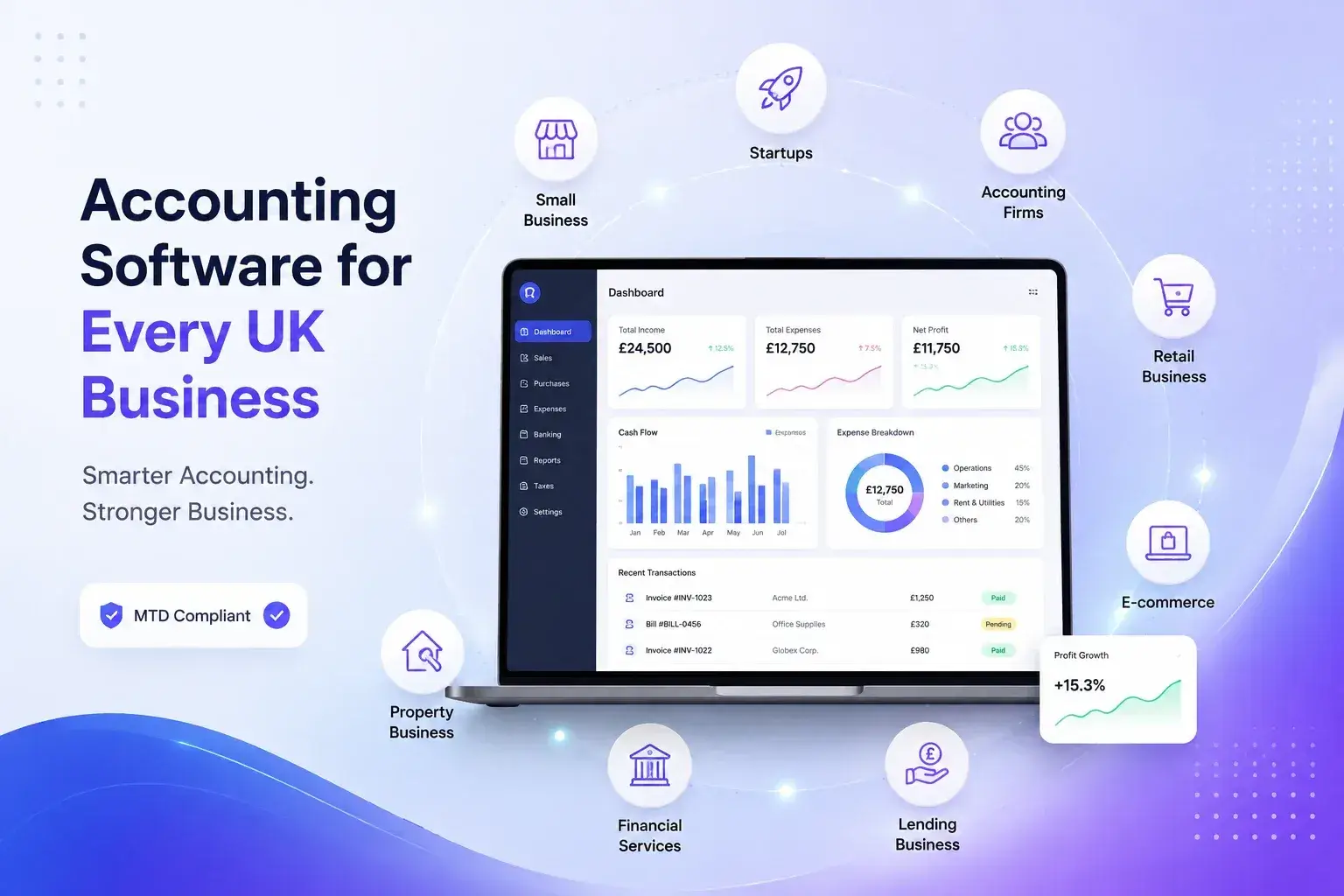
Accounting software is a digital system for recording and managing financial activity. It can bring together bookkeeping, transactions, account balances, general ledger, accounts receivable, accounts payable, billing, invoicing, expenses and financial reporting in one system.
For businesses that need more than standalone accounting, Orbit also provides an integrated business software platform where accounting can work alongside other business functions.
Instead of maintaining separate spreadsheets and records, businesses can centralise transactions, invoices, expenses and payments. This gives finance teams a clearer view of what the business is owed, what it owes suppliers and how money is moving through the organisation.
UK companies have accounting record-keeping responsibilities. GOV.UK states that limited companies must keep records covering money received and spent, assets, debts, goods bought and sold, invoices, bank statements and other information needed for accounts and tax returns.
Digital accounting can make these records easier to organise, search and maintain while reducing reliance on manual processes.
Cloud accounting software is delivered online, allowing authorised users to access business information without relying on a single local computer. Orbit describes its business software as cloud-based and mobile-friendly, allowing access across devices.
For growing businesses, cloud access can also make collaboration easier between owners, finance teams, accountants and other authorised users.
A useful accounting system should cover everyday financial work while providing reliable information for reporting and planning.
The system should record transactions accurately and maintain organised financial records. A general ledger provides the foundation for tracking financial activity, while account balances help users understand the current position of different accounts.
Efficient invoicing and billing help businesses create and manage customer charges, monitor outstanding amounts and maintain a clear accounts receivable record. Payment processing can further connect sales and payment activity with financial records.
Businesses also need to track supplier bills and operating costs. Expense management helps organise spending, while accounts payable provides visibility into amounts owed to suppliers.
Bank feed integration can reduce manual entry by bringing banking information into the accounting workflow. Reconciliation then helps businesses compare recorded transactions with bank activity and identify differences.
Financial reporting turns recorded transactions into useful business information. Reports and budgets can help owners and finance teams review performance, monitor spending, and plan future activity.
UK accounting software should support the record-keeping and tax processes relevant to the type of business using it. Compliance requirements can differ depending on whether a business is VAT registered, incorporated, self-employed or receiving property income.
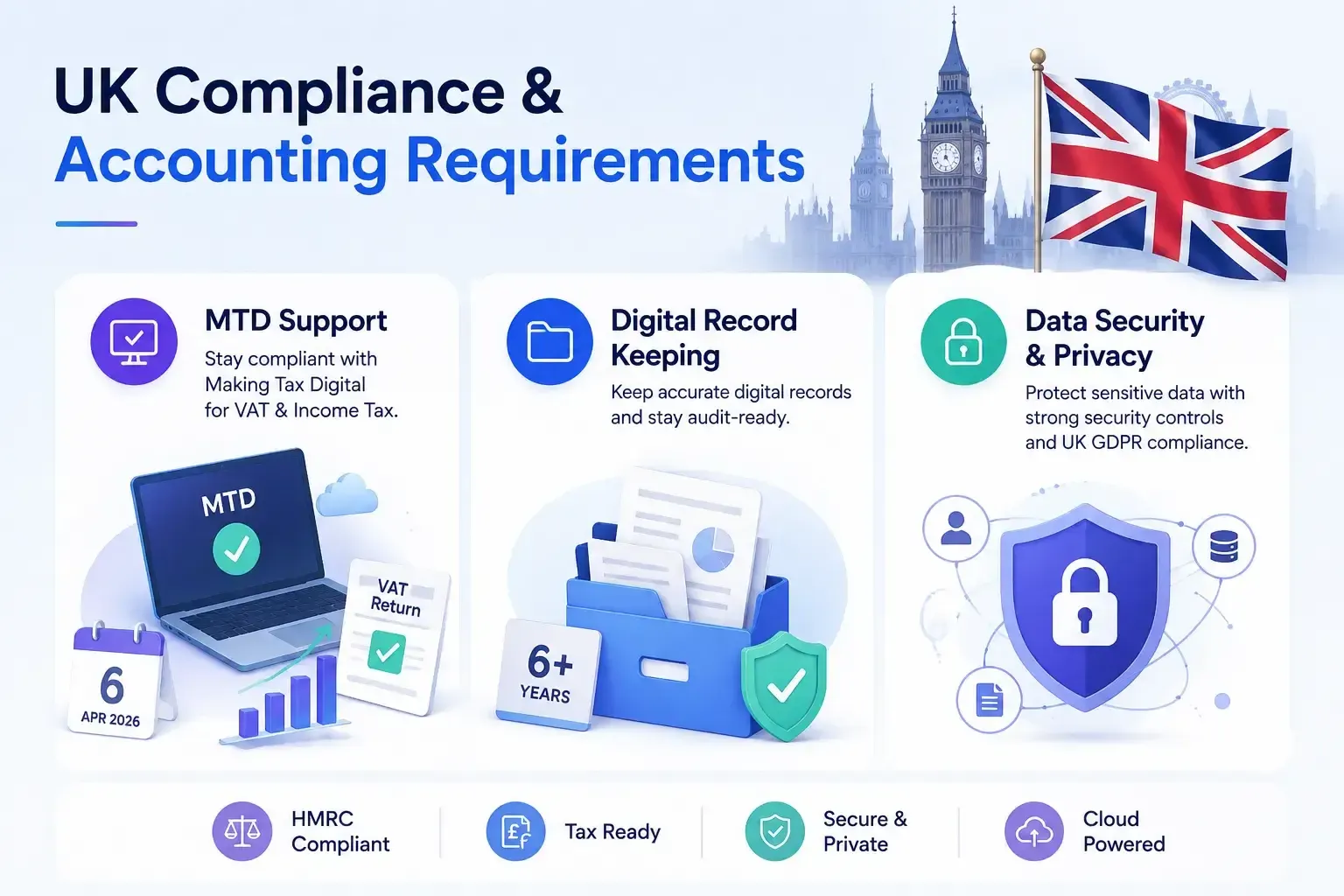
Making Tax Digital for VAT requires VAT-registered businesses to keep certain VAT records digitally and use compatible software to submit VAT returns. MTD for Income Tax is also being introduced in stages. From 6 April 2026, sole traders and landlords with qualifying income above £50,000 need to use compatible software; the threshold reduces to above £30,000 from April 2027 and above £20,000 from April 2028.
Businesses should therefore check that their chosen software supports the specific HMRC requirements that apply to them.
HMRC generally requires VAT records to be kept for at least six years, while limited companies have accounting-record requirements that can also involve different retention rules.
Good accounting software can help businesses maintain organised digital records, but users remain responsible for meeting the applicable legal requirements.
Financial systems may contain sensitive business and personal information. The ICO states that UK GDPR includes principles covering lawfulness, transparency, accuracy, storage limitation, integrity and confidentiality, and accountability.
Businesses should therefore assess data security, data privacy and security controls when selecting accounting software.
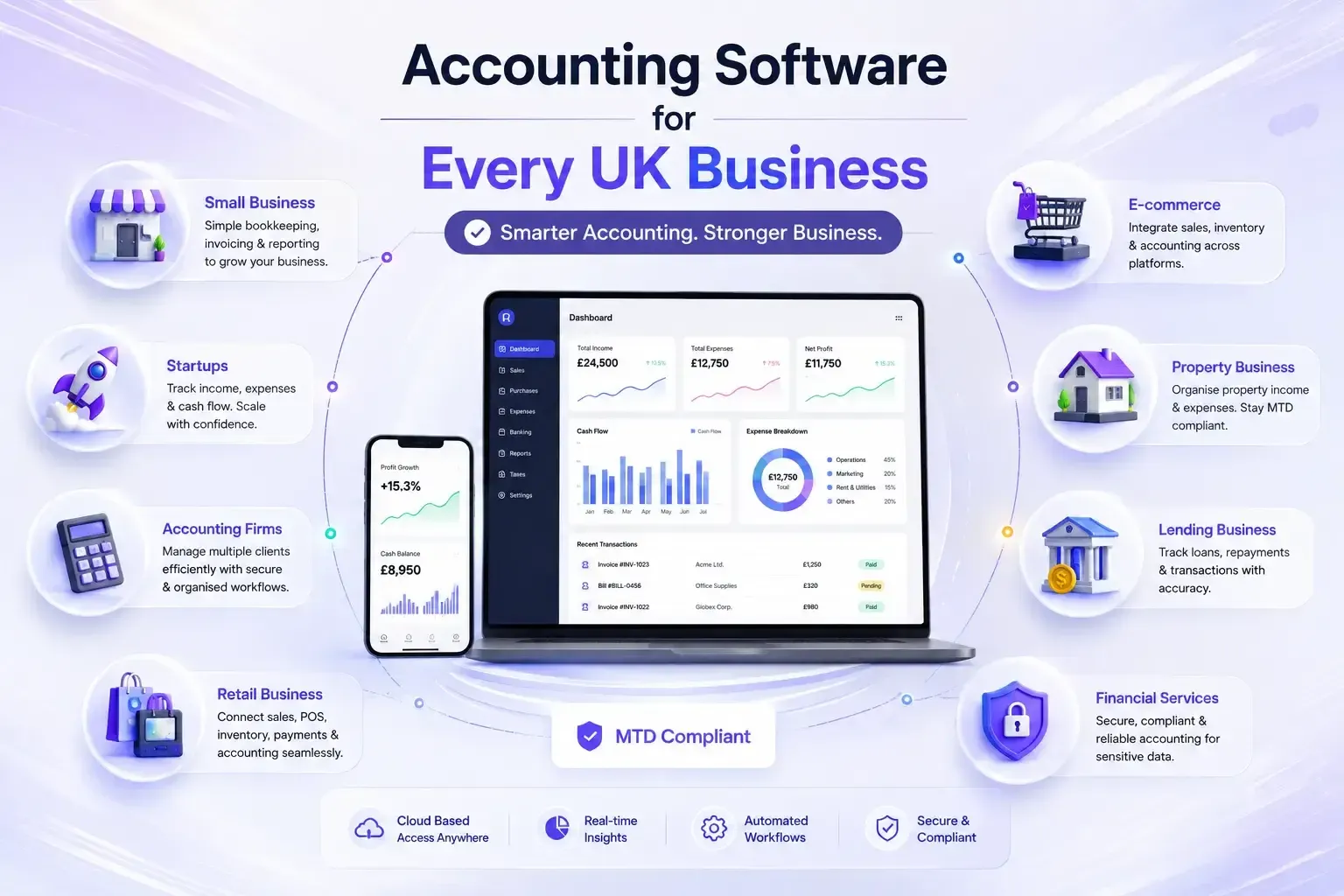
Different organisations need different accounting workflows. The best system is one that matches the business model rather than forcing every company into the same process.
Small businesses often need straightforward bookkeeping, invoicing, expenses, reconciliation and reporting without unnecessary complexity. A scalable system can provide essential finance tools while allowing additional modules as operations grow.
Startups benefit from simple financial processes and clear visibility over income, expenses and cash position. Cloud-based software can also support teams as they expand without requiring finance records to remain on one device.
Accounting firms need organised client financial information, efficient workflows and reliable reporting. Multi-user access and appropriate security controls are important when finance professionals manage records for multiple organisations.
Retail businesses can benefit from connecting accounting with sales, payments, POS, expenses and inventory. Orbit's platform includes accounting alongside POS, inventory, sales and purchase modules.
For e-commerce businesses, connecting sales, payments, inventory and accounting can reduce duplicated data entry. Orbit's inventory solution supports integration with accounting, e-commerce platforms, POS, ERP and CRM systems.
Property-focused businesses need to organise income and expenses related to properties. MTD for Income Tax also covers qualifying property income for affected sole traders and landlords, making compatible digital records increasingly important.
Financial services businesses typically handle sensitive financial information, so accounting functionality should be considered alongside reporting, permissions, security and data-management requirements.
Accounting becomes more useful when financial information connects with operational activity. Orbit's wider platform is designed around integrated modules including accounting, payroll, CRM, sales, inventory, purchasing and POS.
Connecting customer relationship management with accounting can give teams a clearer view of customer activity alongside invoices and financial records.
When inventory and accounting work together, sales and stock-related information can support a more connected financial workflow. Orbit's inventory software specifically supports accounting integration.
Connecting purchase orders and sales orders with accounting helps businesses link procurement and sales activity with financial records.
Payroll is closely connected to business finances. Orbit lists payroll as an integrated business module alongside accounting, with payroll functions including payslips, HMRC RTI and pension auto-enrolment.
Businesses operating across branches or sites can benefit from multi-location access, allowing authorised users to work with centralised financial information.
Mobile/device access is useful for owners and teams who need to review business information away from the office. Orbit states that its business software is cloud-based and accessible across devices.
|
Feature |
Why It Matters for UK Businesses |
|---|---|
|
Bookkeeping |
Organises day-to-day financial records |
|
Invoicing & Billing |
Helps manage customer charges and receivables |
|
Expenses |
Tracks business spending |
|
Bank Feed Integration |
Reduces manual transaction entry |
|
Reconciliation |
Helps match records with bank activity |
|
Financial Reporting |
Provides information for financial review |
|
MTD Compatibility |
Supports applicable digital tax workflows |
|
Payroll Integration |
Connects employee pay with business finance |
|
Inventory Integration |
Links stock activity with accounting |
|
Cloud Access |
Supports access across locations and devices |
| Security Controls | Helps protect sensitive financial information |
No FAQs available for this product.
Copyright © 2026 Orbit
Choose which cookies we may use. You can change this at any time. Read our Cookie Policy.
Needed for the website to work (security, forms, remembering your cookie choice). Always on.
Remember choices you make, such as language and light/dark mode.
Help us understand how visitors use the site (for example Google Analytics), so we can improve it.
Used to measure our adverts and show you relevant ads on other sites (for example Facebook / Meta Pixel).