info@orbitmediasolutions.com



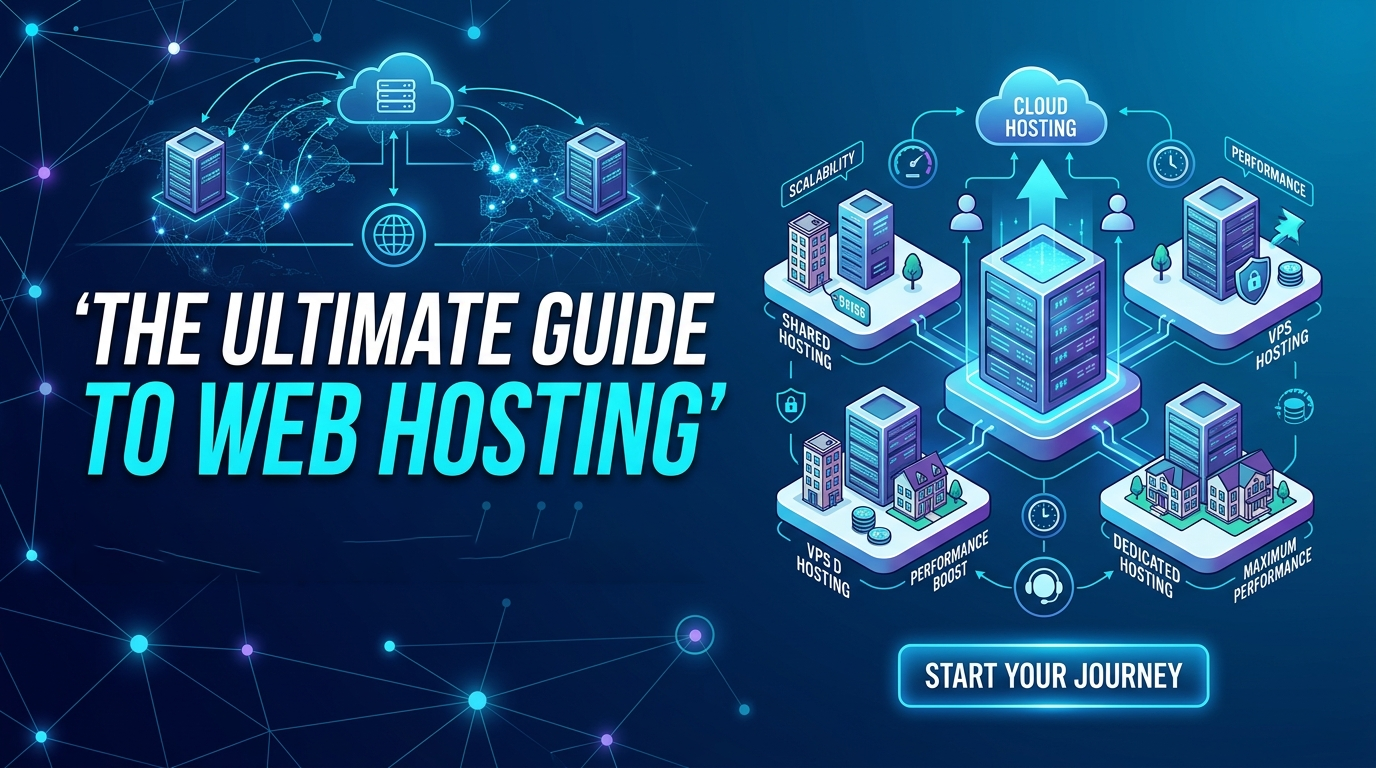
While a 5,000-word blog post is a massive undertaking—essentially a "Definitive Guide"—breaking it down into a modular structure makes it much easier to read and navigate. Below is a comprehensive blueprint and the core content for a high-authority guide on web hosting.
Selecting a web hosting provider is one of the most critical decisions you will make for your digital presence. Whether you are building a personal portfolio, a high-traffic e-commerce store, or a custom software solution, your host determines your site’s speed, security, and scalability.
In this guide, we will break down everything you need to know about hosting, from the technical architecture to the business implications of your choice.
At its simplest, web hosting is the process of renting space on a physical server to store your website's files (HTML, CSS, images, and databases). When a user types your URL into their browser, the hosting server "serves" those files to the user's screen.
Not all servers are created equal. Depending on your project's complexity, you will need to choose a specific "neighborhood" for your data.
Shared hosting is the most common choice for beginners. Multiple websites reside on a single physical server and share its resources (RAM and CPU).
Pros: Extremely affordable, user-friendly, and maintenance-free.
Cons: "Bad Neighbor" effect—if one site on the server gets a massive traffic spike, your site might slow down.
A VPS still shares a physical server with others, but it uses virtualization technology to give you dedicated resources.
Pros: Better stability, more control over server settings, and increased security.
Cons: Slightly more expensive and requires more technical knowledge to manage.
You rent an entire physical server for yourself. This is ideal for enterprise-level businesses or custom apps with high security needs.
Pros: Maximum performance, full "root" access, and total security.
Cons: High cost and requires a dedicated system administrator.
Instead of one server, your site is hosted on a cluster of interconnected servers. If one server goes down, another takes its place instantly.
Pros: Incredible uptime and "on-the-fly" scalability. If your traffic grows, you can add resources with a click.
When comparing hosts, don't just look at the price. Look at these "Core Web Vitals":
Uptime: Look for a guarantee of at least 99.9%. Anything less can result in hours of lost revenue per year.
TTFB (Time to First Byte): This measures how fast the server responds to a request. Speed is a major SEO ranking factor.
Bandwidth & Storage: Ensure you have enough "pipe" to handle your visitors and enough "closet space" for your high-res media.
In an era of increasing cyber threats, your host should be your first line of defense. Ensure your provider offers:
Free SSL Certificates: Essential for encryption and user trust.
DDoS Protection: To prevent malicious traffic from crashing your site.
Automatic Backups: So you can restore your site instantly if something goes wrong.
Malware Scanning: Regular checks to keep your files clean.
For those building more than just a basic blog—such as custom software or complex web apps—infrastructure matters. You should look for:
Staging Environments: A "sandbox" where you can test changes before they go live.
Git Integration: To push code updates directly from your repository.
Support for Multiple PHP/Node.js Versions: Flexibility for your specific tech stack.
Managed: The host handles updates, security patches, and backups. This is perfect for business owners who want to focus on growth rather than server maintenance.
Unmanaged: You get the server and the OS, but the rest is up to you. Best for experienced developers who want total control.
See how a premium blog can transform your presence online.
Explore hand-crafted blog layouts designed to inspire.
Copyright © 2026 Orbit